Stripe System Emails (2026): Every Type and Its Toggle
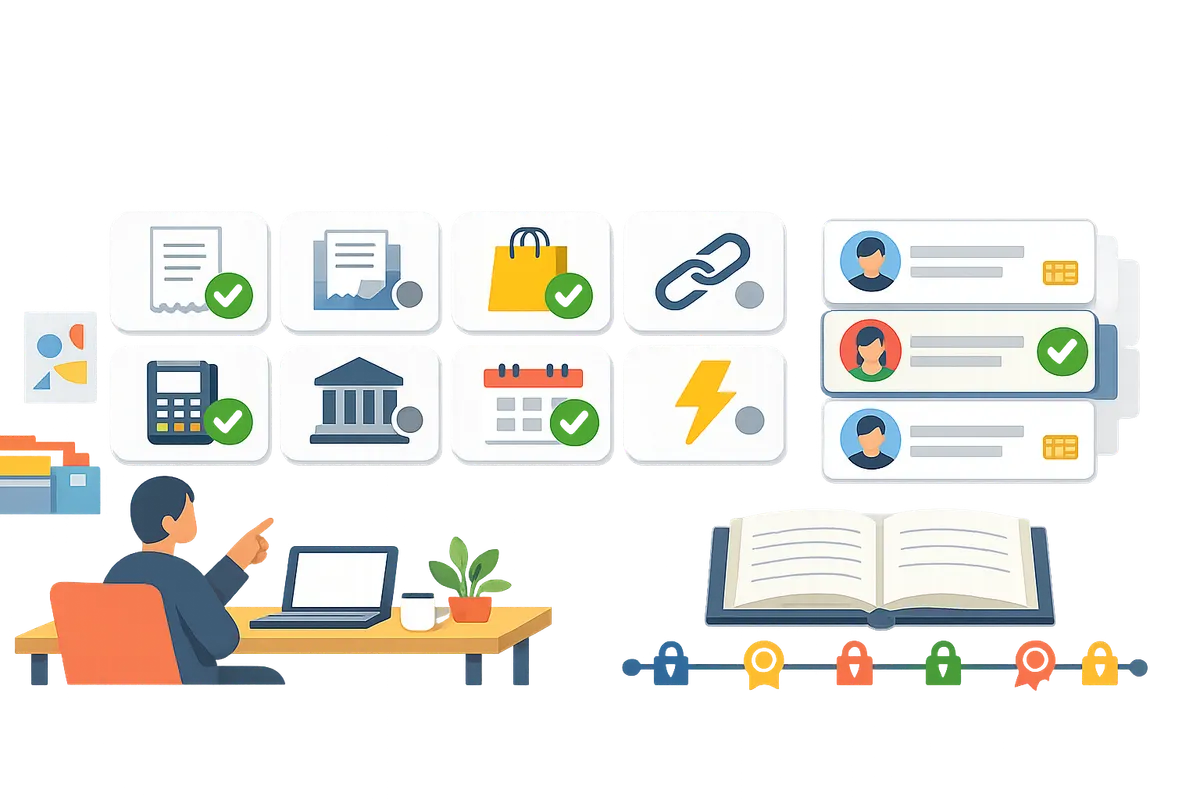
Stripe sends about ten kinds of customer email, and they are controlled from three different places in the Dashboard: Customer emails, Subscriptions and emails, and Advanced invoicing features. This index lists each email, what triggers it, and the exact toggle that turns it on or off, based on Stripe's own documentation as read in November 2026. Menu labels change now and then, so check them against your live Dashboard.
What are the Stripe system emails?
The Stripe system emails are the messages Stripe sends to your customers on your behalf: receipts, invoices, payment reminders, failed payment notices, trial and renewal reminders, card expiry warnings, credit note and refund notices. Stripe's documentation lists these triggers:
- A failed payment attempt
- A finalized invoice
- A receipt after a paid invoice or successful payment
- A payment that needs 3D Secure or another confirmation
- A card on file that is about to expire
- A one-off invoice that is not fully paid
- A created credit note
- An issued refund
- A subscription trial that is ending
- A cancelled subscription
All of them use your branding settings, and Stripe keeps a log of the customer emails sent in the last 60 days on each customer's page (the log updates daily and leaves out today's emails).
Where do you turn each Stripe email on or off?
Almost every toggle lives on one of three Dashboard pages, so it helps to know the pages before the individual emails.
| Page | Path | What it controls |
|---|---|---|
| Customer emails | Settings, Business, Customer emails | Successful payment receipts and refund receipts |
| Subscriptions and emails | Settings, Billing, Subscriptions and emails | Failed payments, trial ending, renewals, expiring cards, finalized invoices, credit notes, unpaid recurring invoice reminders, payment confirmation links |
| Advanced invoicing features | Settings, Billing, Invoice | Reminders for unpaid one-off invoices, plus the PDF attachment on invoice emails |
Payment and receipt emails
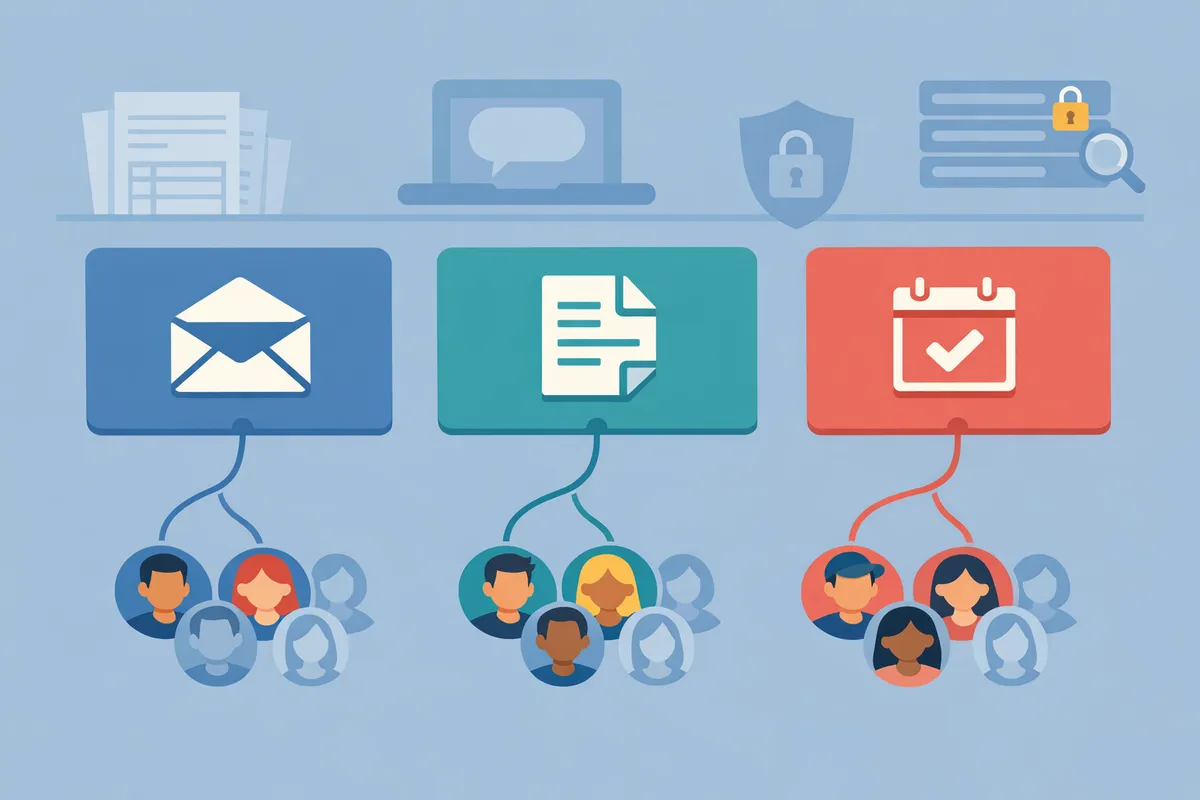
Receipt emails are the ones most teams ask about, and Stripe sends them only for successful payments and refunds, never for a failed or declined payment.
Successful payment receipt. Turn it on or off under Settings, Business, Customer emails, in the Payments group, with the Successful payments switch. Stripe needs a recipient address, which is the payment's receipt email if one is set and otherwise the customer's email. Automatic receipts only go out in live mode, so a test payment needs a manual send. One detail catches people out: if a PaymentIntent has a receipt_email, Stripe sends the receipt to that address even when Successful payments is off.
Refund receipt. The Refunds switch sits in the same Payments group. It is separate from the payment receipt, so you can send one and not the other.
Paid invoice receipt. For invoices that charge automatically, the receipt email for a paid invoice is also governed by the Successful payments switch, and it carries a PDF of both the invoice and the receipt unless you disable that in the invoice settings. If you turn Successful payments off and charge customers automatically, they get no email receipt for those invoices.
Manual receipts. On any successful payment, open Receipt history, choose Send receipt, and enter one or more addresses. This is also how you send a receipt for a test payment.
Invoice emails
Invoice emails are separate from receipts, and most are configured under Manage invoices sent to customers on the Subscriptions and emails page.
Finalized invoice. Select Send finalized invoices to customers. If you turn it off, Stripe still sends the invoice.finalized webhook, so you can send your own email from it.
Unpaid recurring invoice reminder. Select Send reminders if a recurring invoice hasn't been paid, then choose whether the reminder goes before, on or after the due date from the preset options. It applies to recurring invoices whose collection method is send_invoice.
Unpaid one-off invoice reminder. This one is under Advanced invoicing features, not on the Subscriptions and emails page, which is why people miss it.
Credit note. Select Send credit notes to customers. Stripe says this setting applies to credit notes on all invoices, including invoices you did not email.
Manual resend. Open the invoice in the Dashboard and click Send invoice. You see a preview of the hosted invoice page first.
Failed payment and payment confirmation emails
These emails exist to recover revenue, and Stripe recommends at least offering customers a way to confirm payments and fix failed ones.
Failed card payment. Turn on Send emails when card payments fail under Email notifications and customer management. Stripe then emails the customer after each failed subscription payment, with a link to update the payment method.
Payment confirmation (3D Secure, Boleto and similar). Turn on Send a Stripe-hosted link for customers to confirm their payments when required. A second switch, Send reminders if payment confirmation isn't completed, keeps emailing until the customer confirms or the payment expires, and you can set the intervals.
Subscription lifecycle emails
Subscription emails warn customers before something happens, and each has its own switch under Email notifications and customer management.
Trial ending. Send a reminder email 7 days before a free trial ends. If the trial ends with no payment method and the subscription pauses, the hosted page lets the customer add one and pay the first invoice.
Upcoming renewal. Send emails about upcoming renewals. Stripe sends these only for subscriptions that charge automatically, not for those set to send an invoice, and the timing follows the days set under Prevent failed payments.
Expiring card. Send emails about expiring cards. Stripe sends it one month before the default card on file expires.
Cancelled subscription. Stripe's documentation lists cancellation among the emails it can send and log, but the pages I read do not name a separate toggle for it, so confirm the behavior in your own account before relying on it.
Emails of these types can include a link to a Stripe-hosted customer portal or to your own page. You cannot mix the two across different emails. Stripe also asks you to enable Subscription management so manage-subscription links appear in billing emails, which matters for US subscription cancellation rules.
Which emails can you control per customer?
Stripe's switches apply to every customer at once, with two exceptions worth knowing: the receipt_email field on a payment, and the extra billing recipients on a customer record.
On a customer page you can untick Same as account email and add a "To" list and a CC list for billing emails, and Stripe pre-fills those on invoices sent from the Dashboard. That helps when a finance contact needs invoices, but Stripe says the API does not support adding recipients to billing emails.
The all-or-nothing limit is sharpest for receipts. If you want enterprise customers to get receipts for expense reports and everyone else to get none, Stripe's Successful payments switch cannot do it alone. Route Receipts is a Stripe App that fills that gap: you turn off Stripe's Successful payments emails, add the customers who should get receipts to an allowlist, and Stripe sends its standard receipt to those customers only. It does not control refund receipts, credit notes or the invoice emails above, and the Free plan covers 20 receipts a month with a free trial available. For the full setup, see the guide to disabling Stripe successful payments receipt emails, and for a side by side, Route Receipts vs Stripe native receipts.
Worked example: a SaaS company with a finance team
A subscription company with 400 customers, 30 of them enterprise accounts that need receipts for expense reports, can map its emails in one pass.
- Customer emails: keep Refunds on, so refunded customers get a notice, and decide about Successful payments last.
- Subscriptions and emails: turn on failed card payments, trial ending, upcoming renewals and expiring cards. These protect revenue and none of them is a receipt.
- Manage invoices sent to customers: keep finalized invoices on, and add the unpaid recurring invoice reminder for customers on invoice billing.
- Successful payments: this is where the choice is all or nothing. On means all 400 customers get a receipt on every payment. Off means the 30 enterprise accounts get nothing unless you set
receipt_emailin code or send each one by hand.
Step 4 is the only one where a per-customer rule would help, and it is the one Stripe's settings cannot express.
Common mix-ups
Most confusion comes from emails that sound alike but sit in different places.
- Receipt vs invoice email. A receipt confirms money received. A finalized invoice asks for money. They have different switches, and turning off receipts does not stop invoice emails. If customers get two emails for one payment, see how to stop duplicate receipt emails.
- Credit note vs refund. A credit note has its own switch on the Subscriptions and emails page, and a refund receipt is a switch on Customer emails. See refund vs credit note for EU and UK VAT.
- Test mode. Automatic receipts do not go out in test mode. For other emails in a sandbox, use the confirmed address of a team member as the customer email.
- Receipt not arriving. Check the recipient address, the live mode requirement and the switch. The checklist in Stripe receipts not sending covers the rest.
FAQ
How many emails does Stripe send to customers? Stripe documents ten triggers: failed payments, finalized invoices, receipts, payment confirmation, expiring cards, unpaid one-off invoices, credit notes, refunds, trial endings and subscription cancellations.
Where is the Stripe receipt email setting? Settings, Business, Customer emails, then Successful payments or Refunds under Payments.
Can I turn off a Stripe email for one customer?
Not with Stripe's switches, which apply to everyone. You can control receipts per payment with receipt_email, or use an allowlist app for receipts.
Do Stripe emails work in test mode? Automatic receipts do not. Some billing emails can be tested in a sandbox with a team member's confirmed address.
Does turning off receipts stop invoice emails? No. Invoice emails are a separate setting, and Successful payments only governs the payment receipt.